So, I do a lot of editing website data and HTML in Google Sheets. A lot of the time it’s a lot of old stuff that someone else populated, sometimes it’s been extracted from a vendor website, and it’s almost always in need of some sort of repair.

Yearly Archives: 2020
So, I’m working on this project where I’m optimizing descriptions for a client using Google Sheets. I need these descriptions to follow a very specific format, and to be sure that they do… I’m using Google Sheets. I’m also using it because I’m going to be populating them through an import with a CSV file. It just makes sense to do it all in one place.

Slightly late for the holiday, here is a small collection of FREE textures photographed from painted eggs. These textures are perfect for photo or text overlays, use in color or black and white.
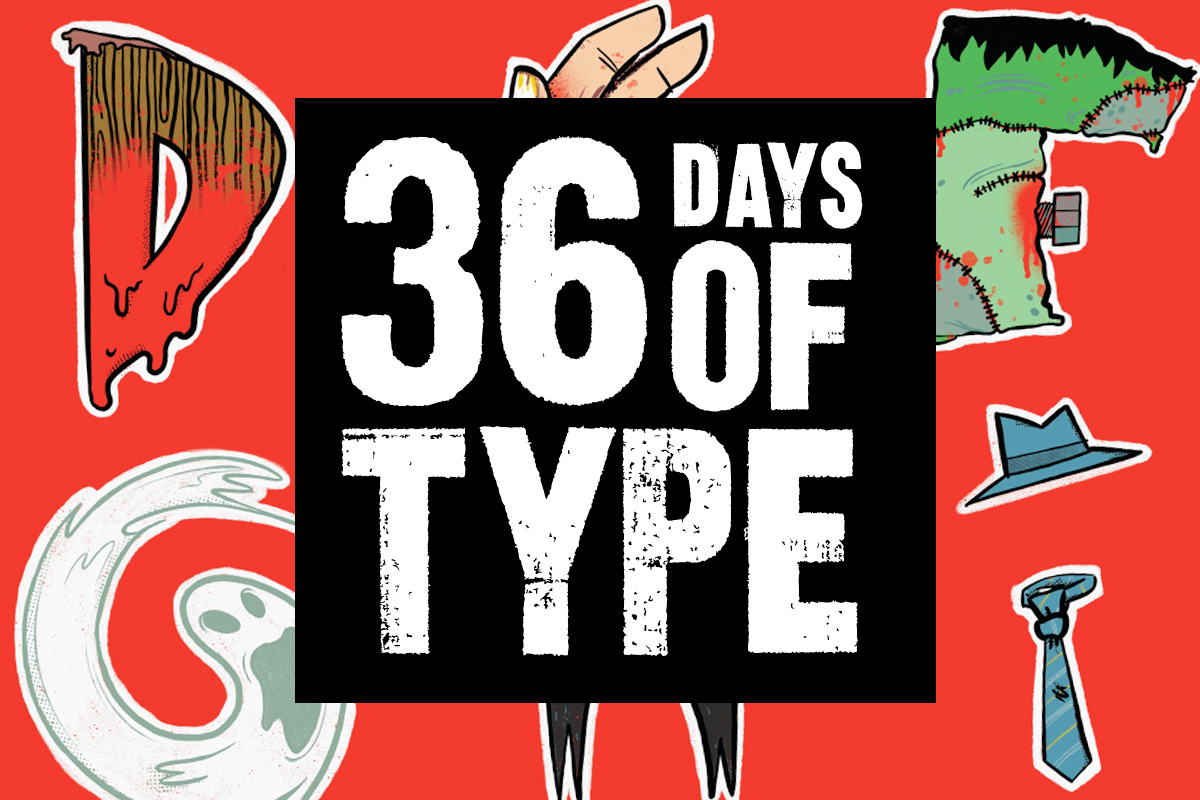
This year, kind of at the last minute I decided to join in on the fun of #36DaysofType. I did each letter based on a horror film, and I had a lot of fun… Also, to my surprise, I actually finished it on time.
One way to deal with fractional data that shows up as a DATE in Google Sheets.

There is no excerpt because this is a protected post.
A quick rundown of how to remove specific characters from a cell in Google Sheets, in this case it’s numbers… Easy to modify for a variety of uses.
A simple fix for removing the white space that occurs at the beginning of cells when you’re using the SPLIT function in Google Sheets.
This is a quick rundown on hiding or highlighting an entire row based on the value in one column in Google Sheets.
There is no excerpt because this is a protected post.